用 GPT Image-2 生成与编辑图片
用提示词生成新图片,或上传参考图进行编辑。一个页面、一个积分价格,并复用现有工作区跟踪结果。
先用提示词生成,再用参考图编辑 参考图编辑
下面的提示词和素材就是这个页面支持的两条 GPT Image-2 工作流。
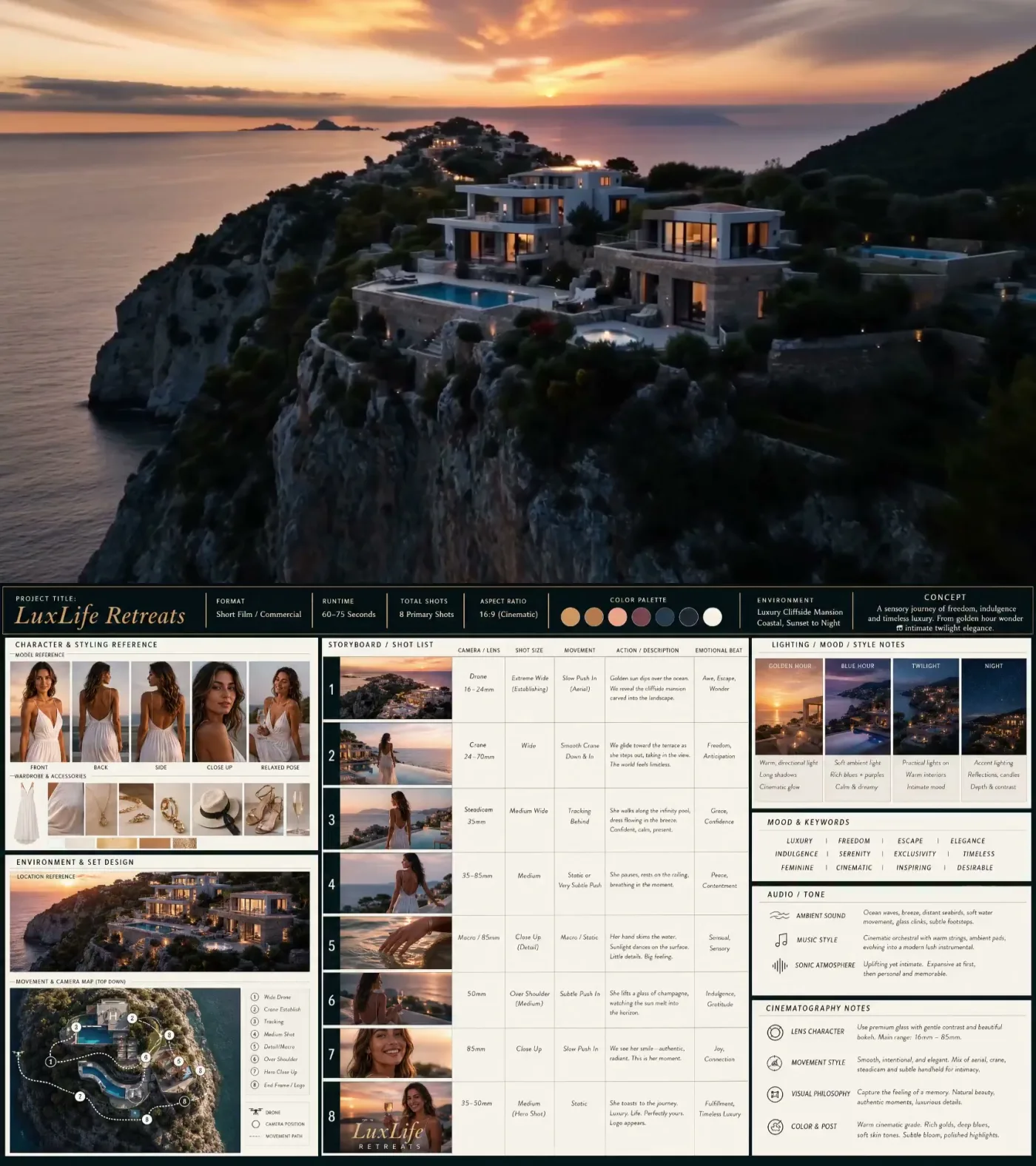
一个合格的视频分镜板应该长什么样
这个参考图展示了用户应该追求的结构:一张板同时包含主视觉、主体参考、环境、镜头表、灯光、情绪、音频说明和摄影语言,然后再把创意交给视频模型。
来自 X 平台提示词工作流的参考案例
文生图案例

TikTok Livestream Cartoon Scene
提示词
Generate an image of a funny guy that is live-streaming on tiktok and has 3d cartoon characters around him - design something funny.
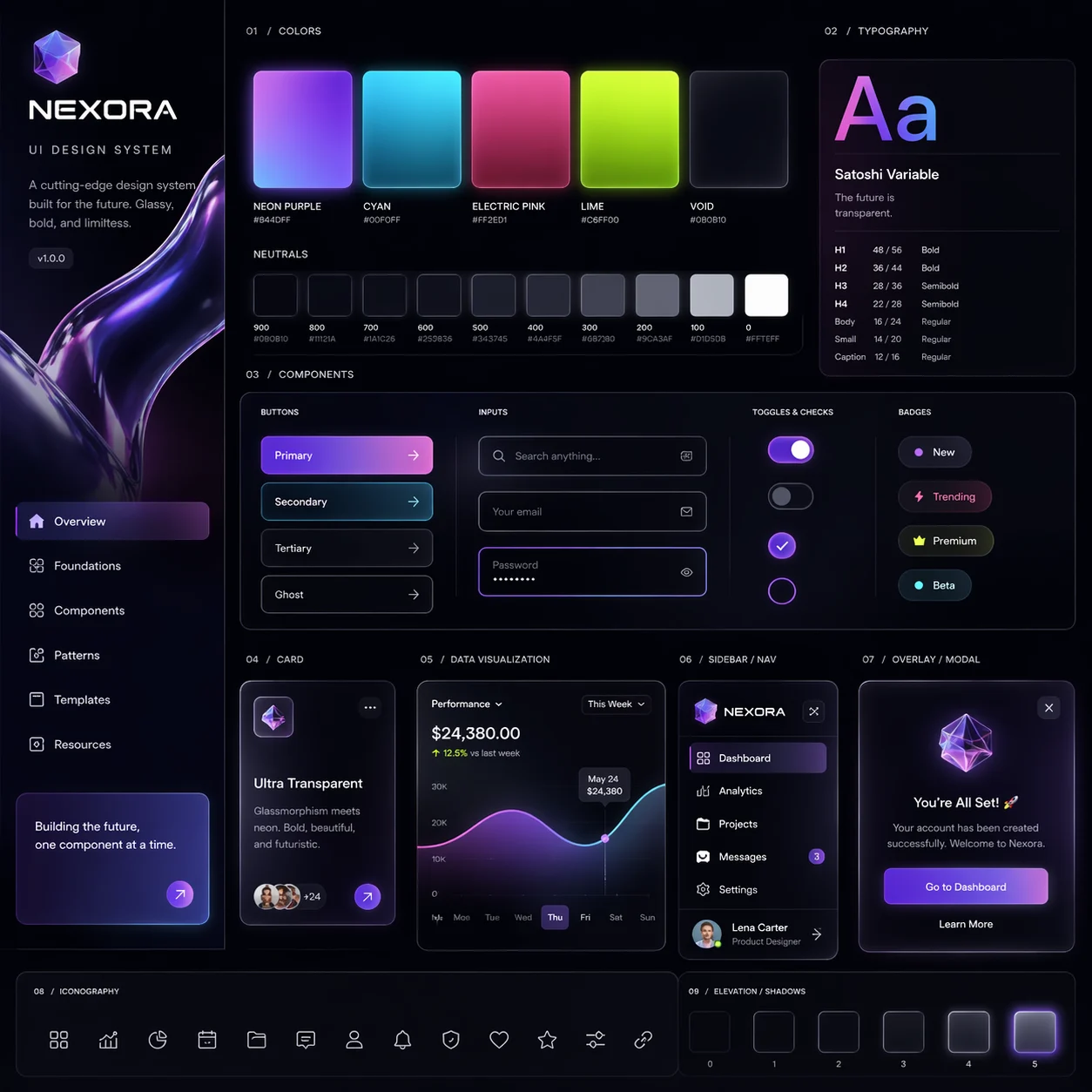
Glassy UI Design System
提示词
Generate for me a UI design system with a very cutting-edge, bold, and unique theme that includes glassy visuals and transparencies
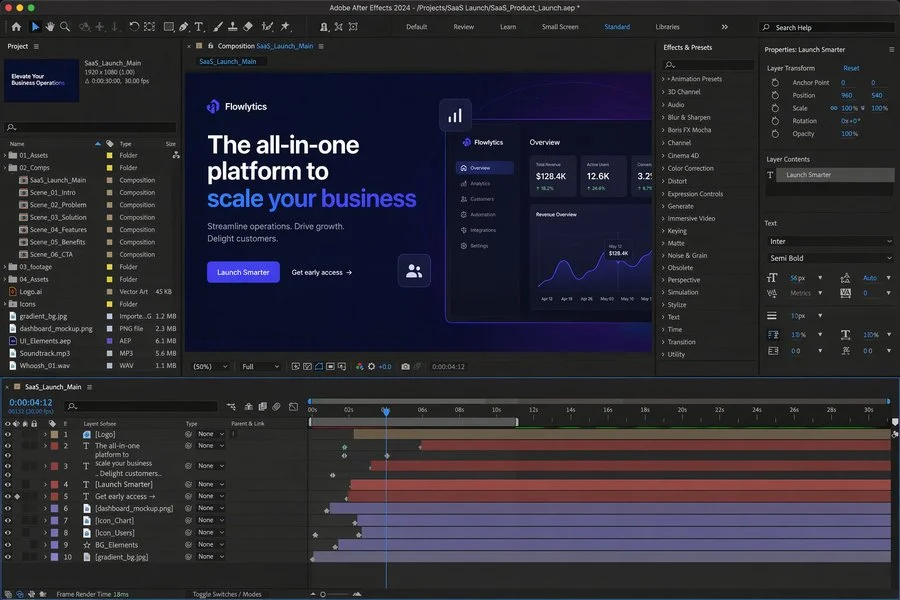
After Effects SaaS Promo Workspace
提示词
A realistic desktop screenshot of Adobe After Effects 2024 open and editing a promotional video for a B2B SaaS product launch. Dark-themed interface, professional motion design workspace, composition preview showing a sleek SaaS landing-page style scene with headline text, call-to-action button, analytics dashboard mockup, glowing UI elements, timeline with multiple animated layers, effects and presets panel, project assets panel, and properties panel visible. Clean modern blue and purple gradient visuals, polished product-marketing aesthetic, high detail, realistic software UI screenshot.
图生图案例
输入
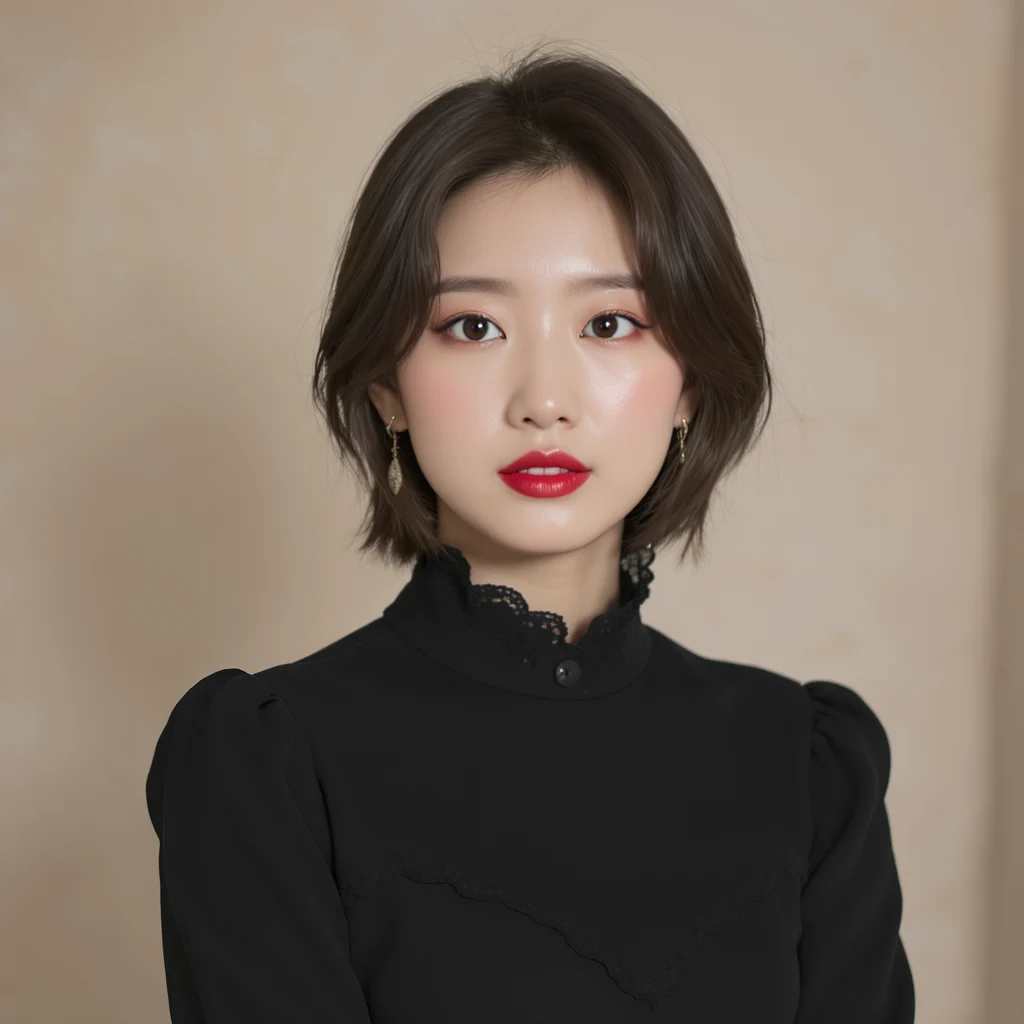
输出
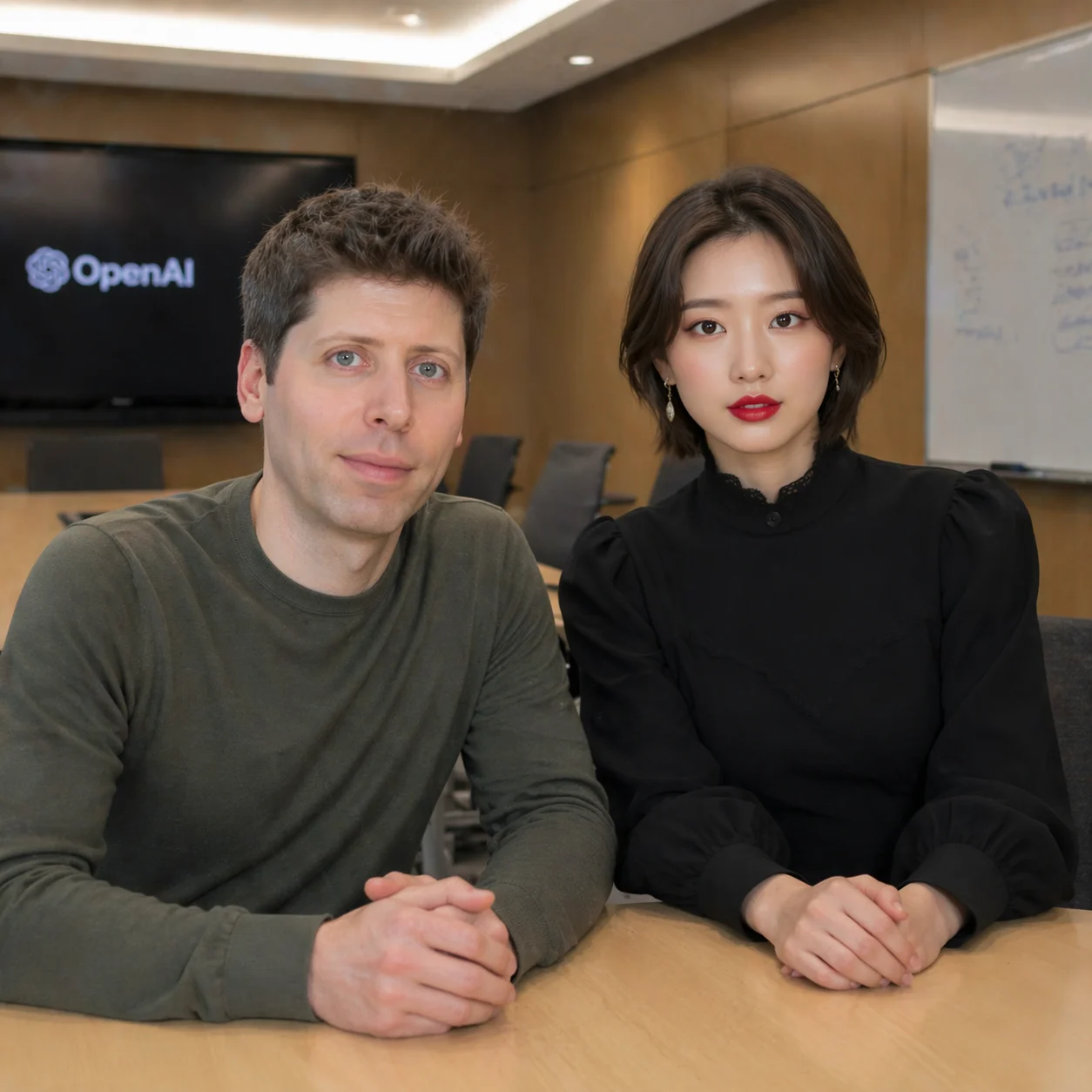
Conference Room Photo Edit
take a photo with Sam Altman in the conference room
输入
输出
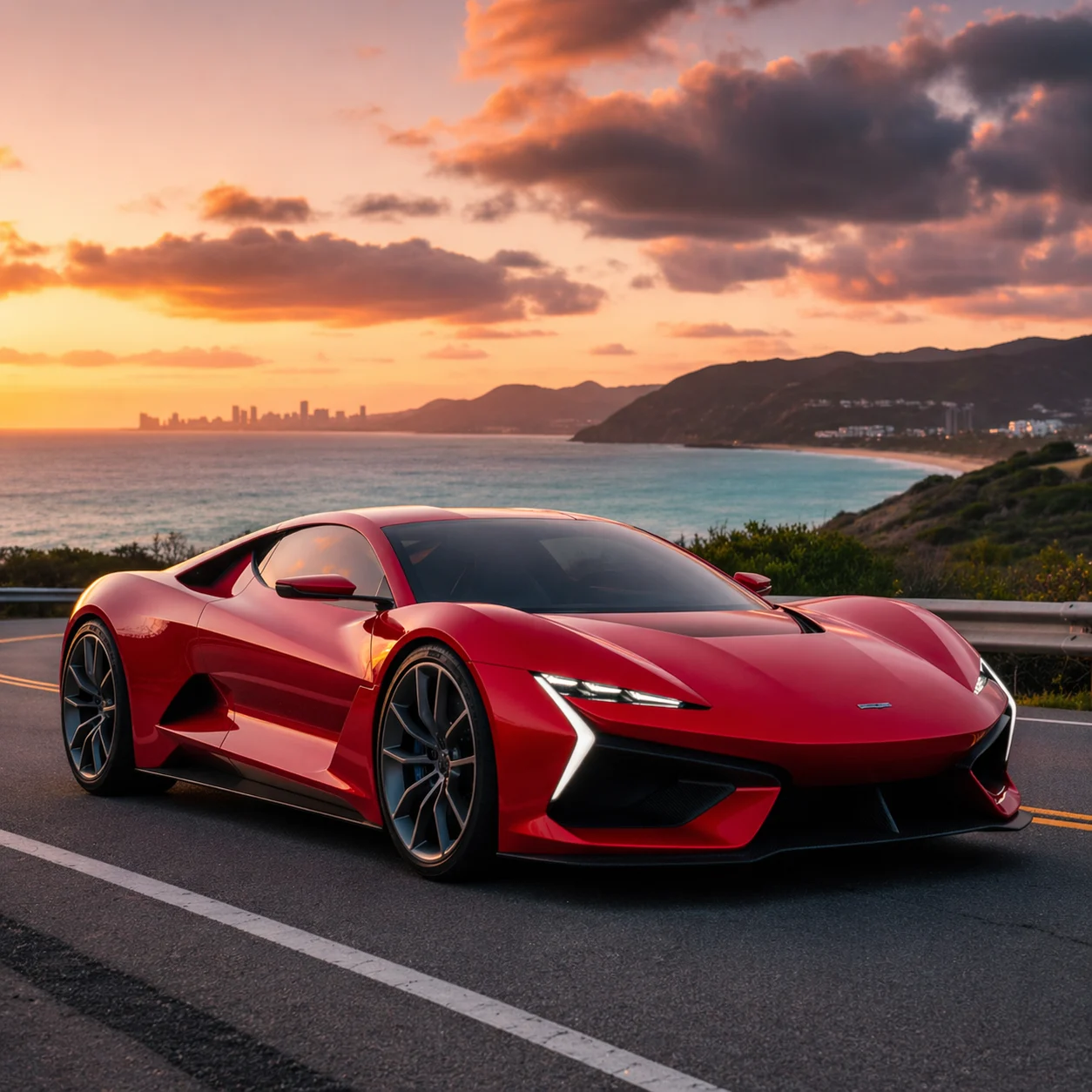
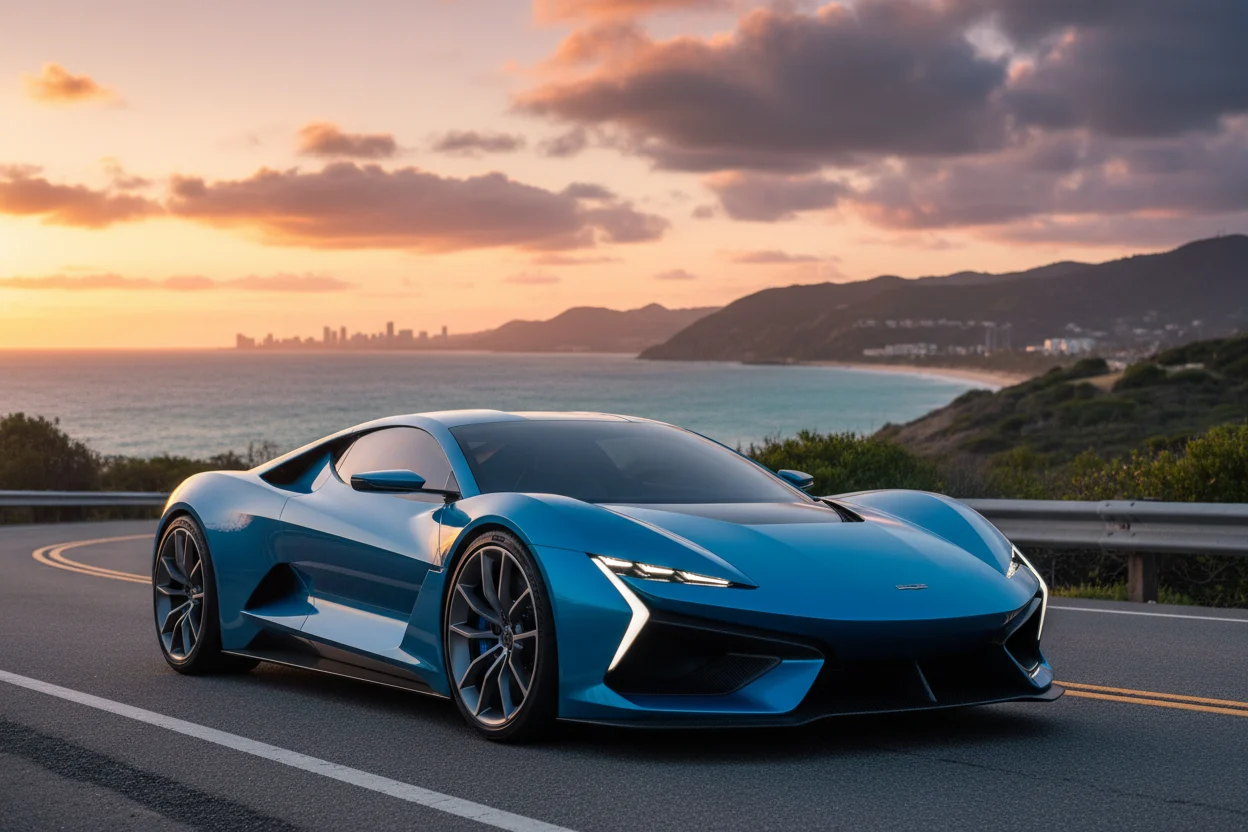
Product Color Change
change car color into red
输入

输出
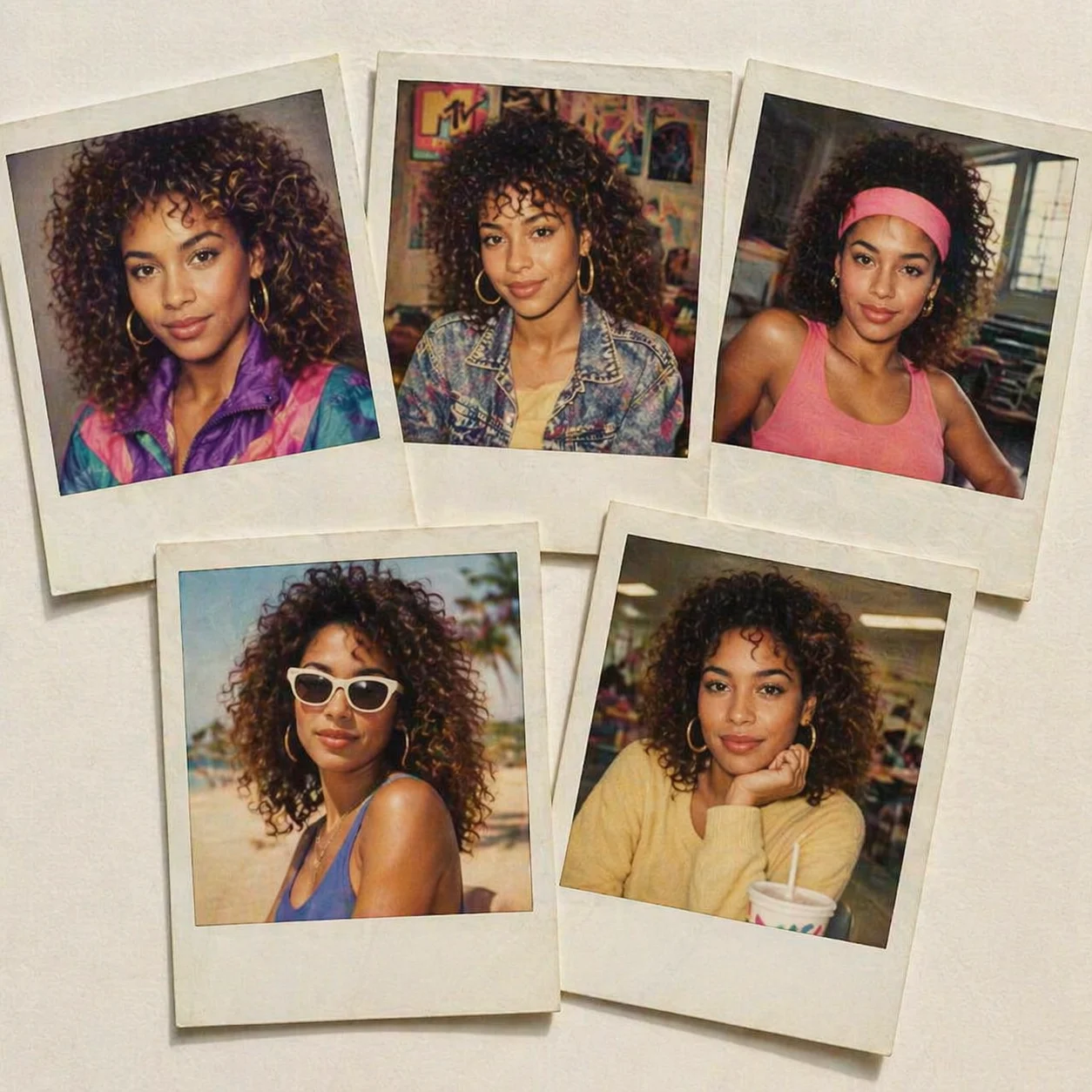
1980s Polaroid Headshots
Create 5 headshot polaroid prints, laid out on a clean table, all of which show me in various situations from the 1980's.
简单直接的 GPT Image-2 工作流 工作流
不暴露无关参数,不做重复状态系统,优先把主链路跑稳。
统一价格
文生图和图生图都固定消耗 20 积分,价格清晰。
工作区追踪
任务提交后由现有 webhook 更新工作区结果。
适合参考图编辑
图生图支持多张输入图,适合商品、人物和场景参考。
参数后台托管
用户只看到提示词和参考图,供应商参数由后台统一处理。
使用流程 流程
生成和编辑图片共用一条清晰链路。
选择模式
新建图片用文生图,需要参考图约束时用图生图。
填写提示词
描述构图、风格、主体,以及你要执行的具体编辑。
进入工作区
KIE.AI 回调完成后,结果会展示在你的工作区里。
GPT Image-2 常见问题 常见问题
这个页面当前的实际边界。
准备试试 GPT Image-2?
从案例提示词开始,或直接上传你自己的参考图。