Create and Edit Images With GPT Image 2.5 Flare
Generate or edit images with GPT Image 2.5 Flare, then switch to GPT Image 2 when you prefer the lower-cost option.
Workflow
Prompt First, Then Reference Edits Reference Edits
Use these exact prompts and assets to see the two GPT Image-2 workflows this page supports.
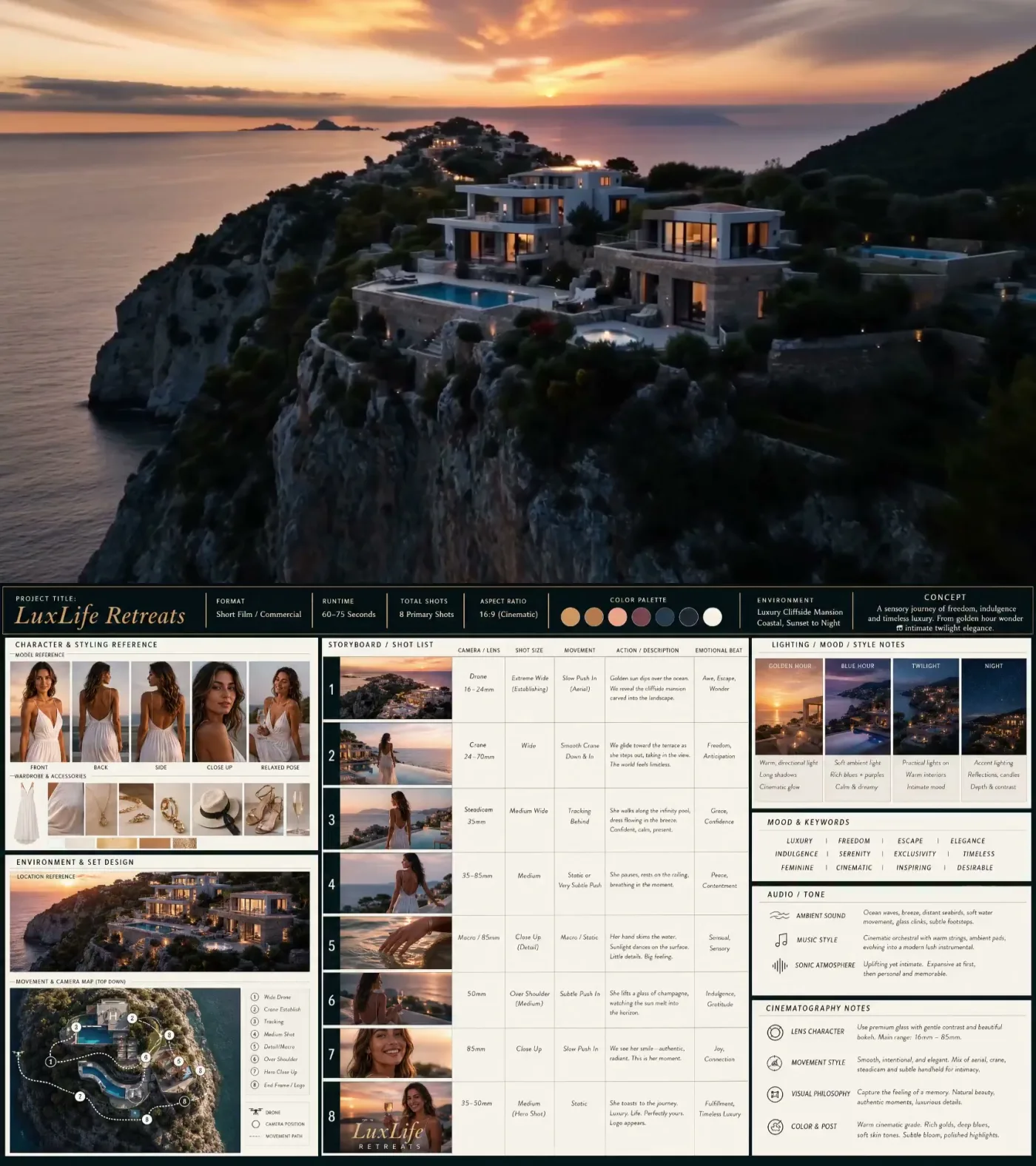
What a video-ready storyboard board looks like
This reference shows the exact structure users should aim for: one board that combines hero scene, subject references, environment, shot list, lighting, mood, audio notes, and camera language before sending the idea to a video model.
Example reference from the X prompt workflow
Text to Image Examples
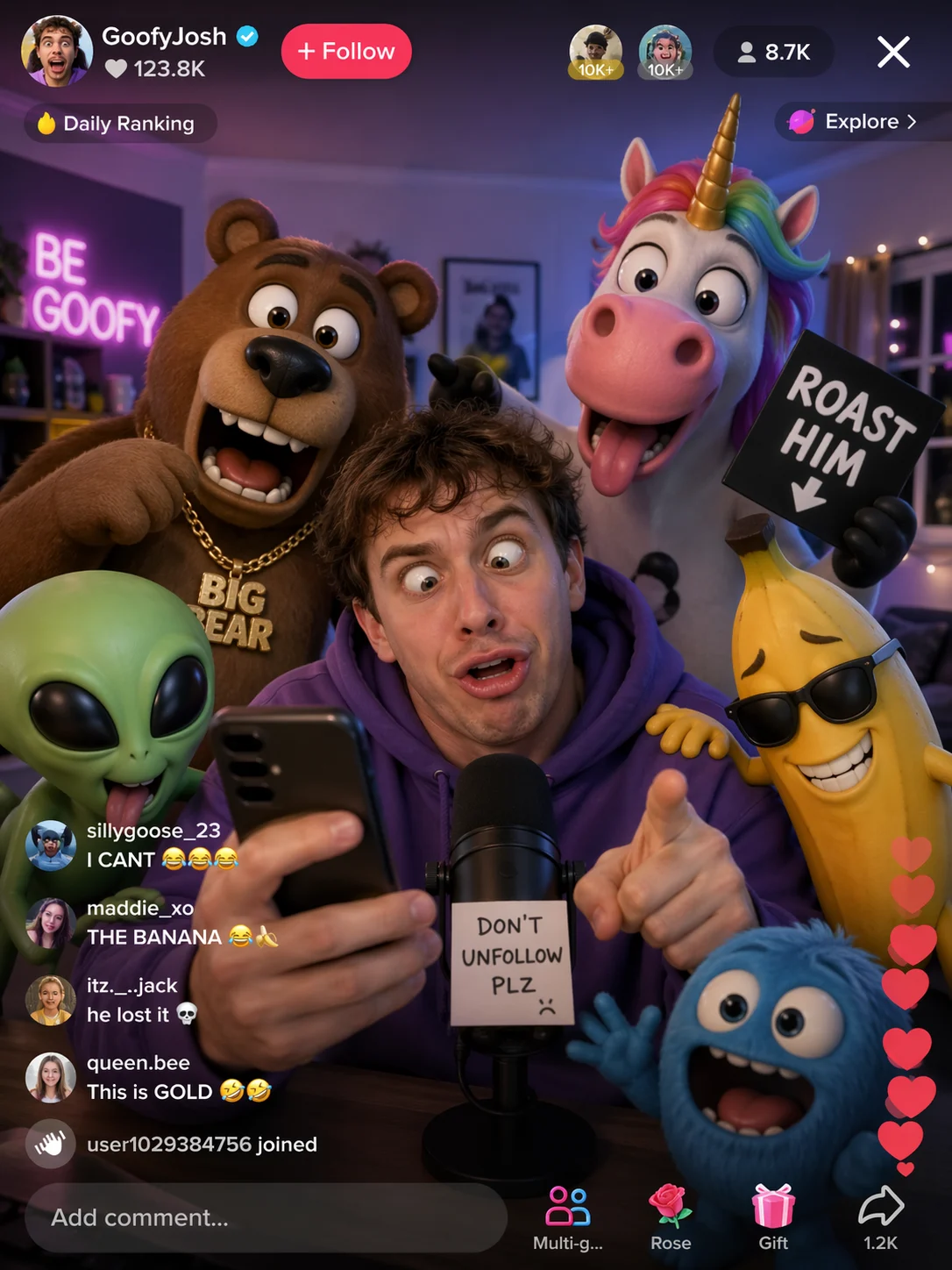
TikTok Livestream Cartoon Scene
Prompt
Generate an image of a funny guy that is live-streaming on tiktok and has 3d cartoon characters around him - design something funny.
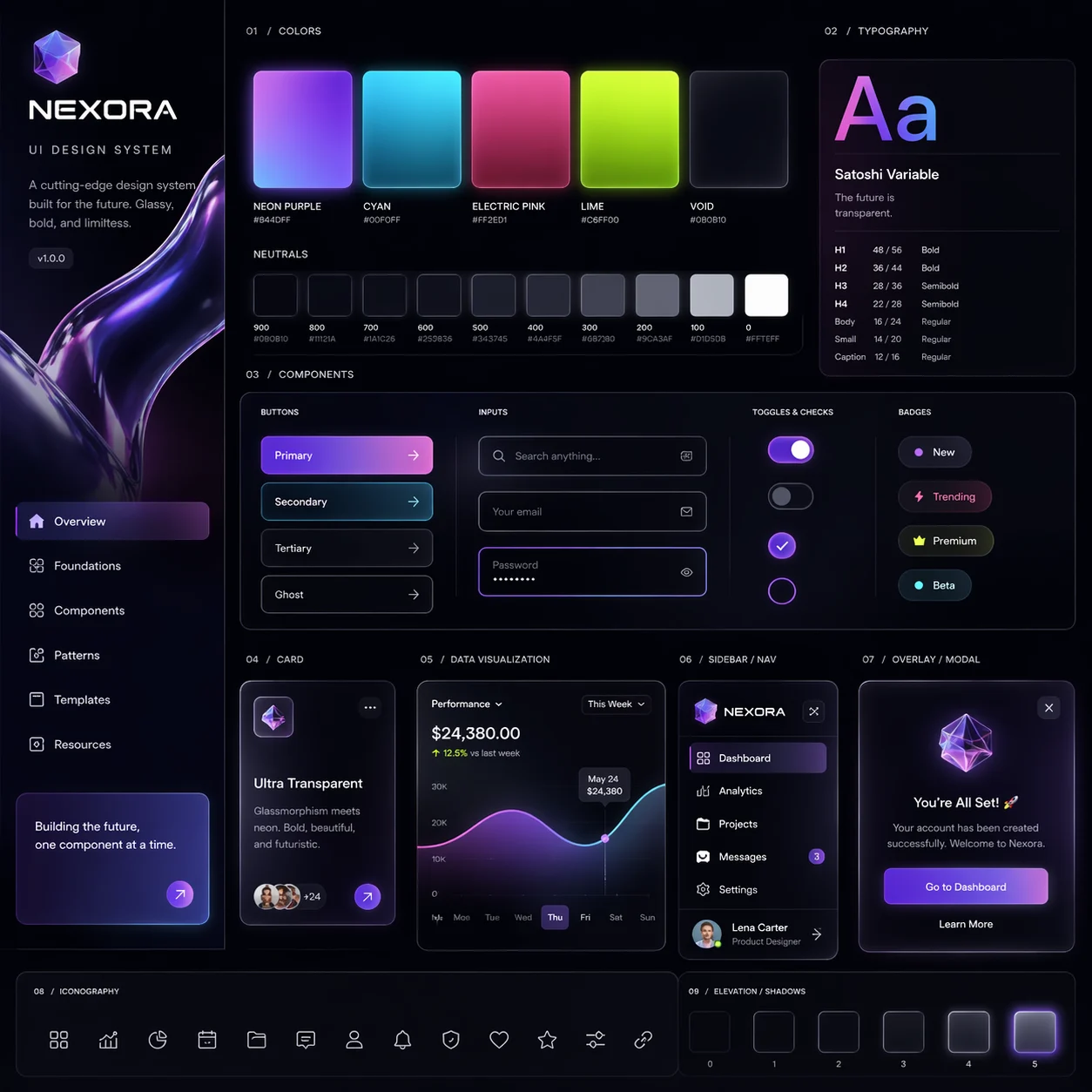
Glassy UI Design System
Prompt
Generate for me a UI design system with a very cutting-edge, bold, and unique theme that includes glassy visuals and transparencies
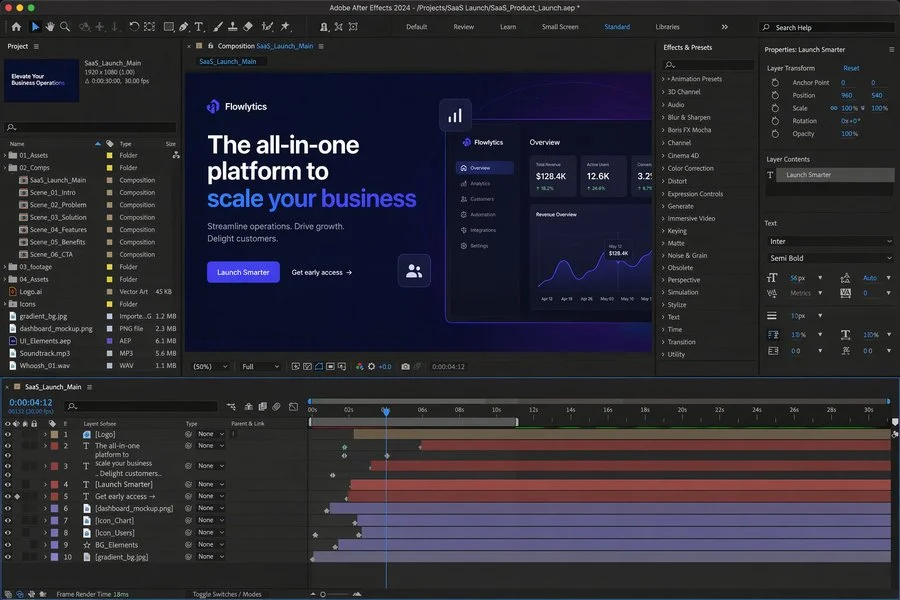
After Effects SaaS Promo Workspace
Prompt
A realistic desktop screenshot of Adobe After Effects 2024 open and editing a promotional video for a B2B SaaS product launch. Dark-themed interface, professional motion design workspace, composition preview showing a sleek SaaS landing-page style scene with headline text, call-to-action button, analytics dashboard mockup, glowing UI elements, timeline with multiple animated layers, effects and presets panel, project assets panel, and properties panel visible. Clean modern blue and purple gradient visuals, polished product-marketing aesthetic, high detail, realistic software UI screenshot.
Image to Image Examples
Input
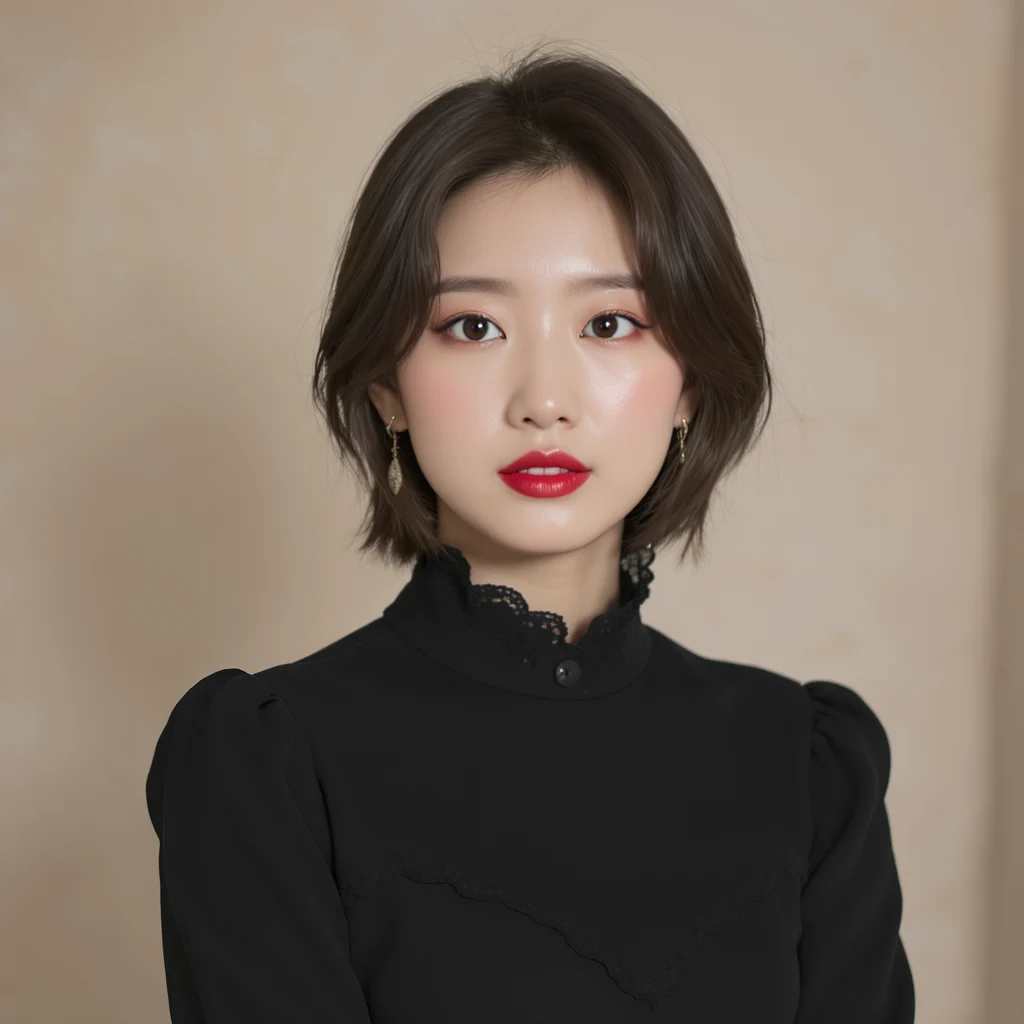
Output
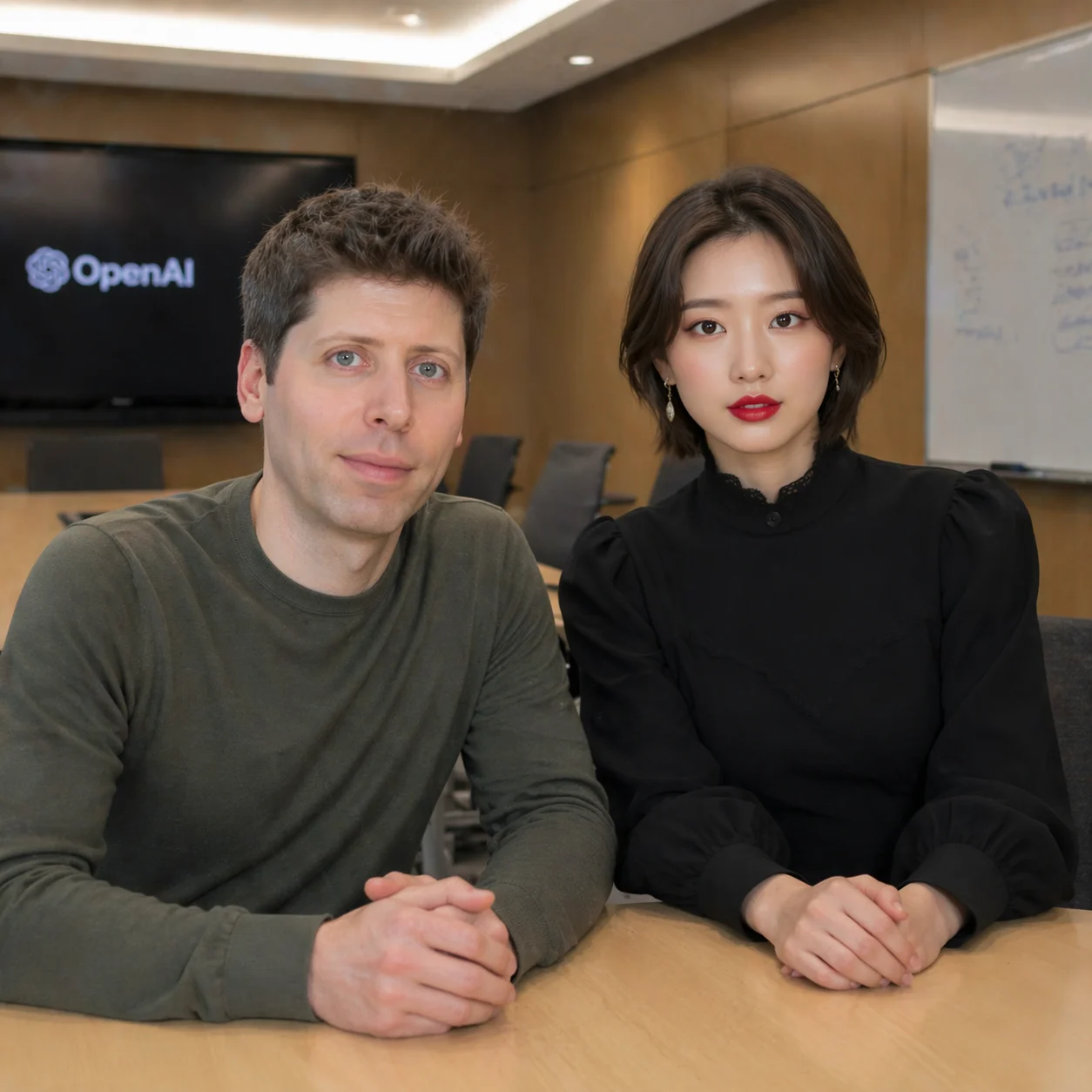
Conference Room Photo Edit
take a photo with Sam Altman in the conference room
Input
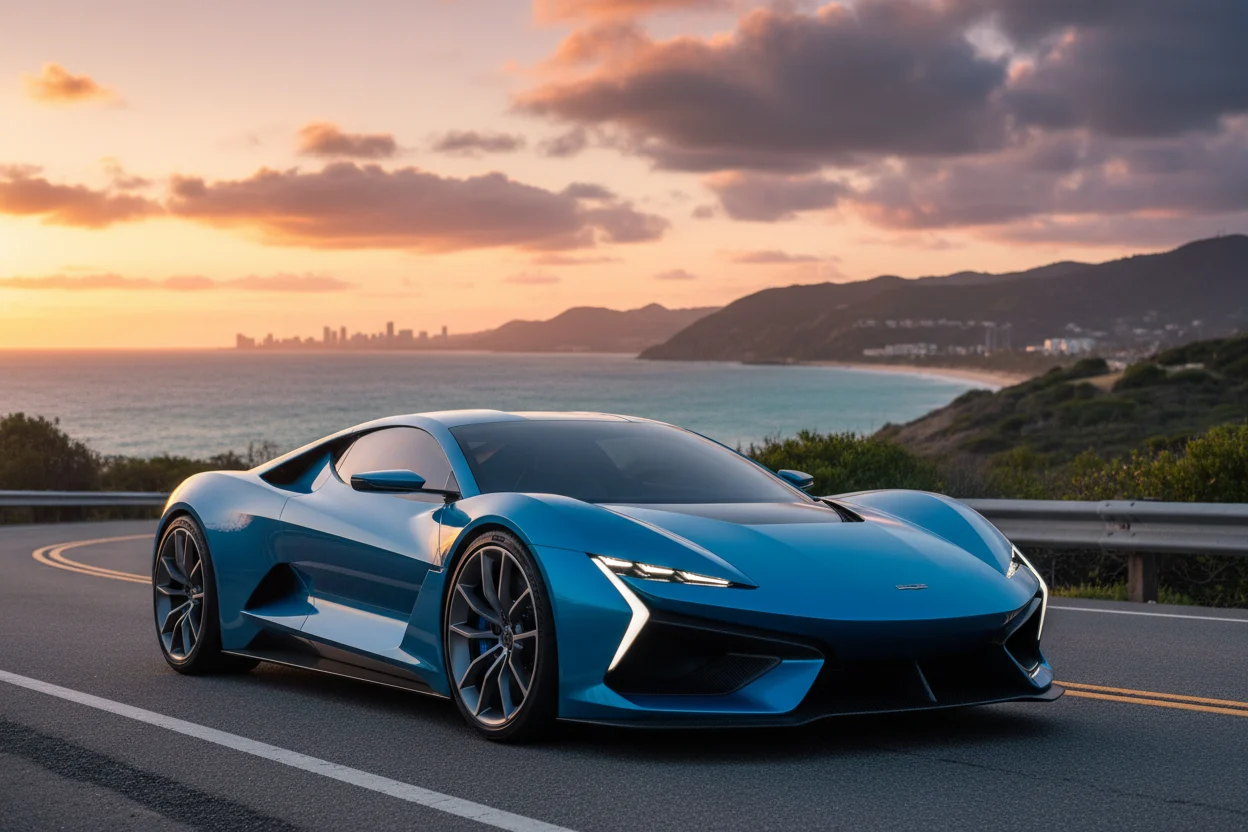
Output
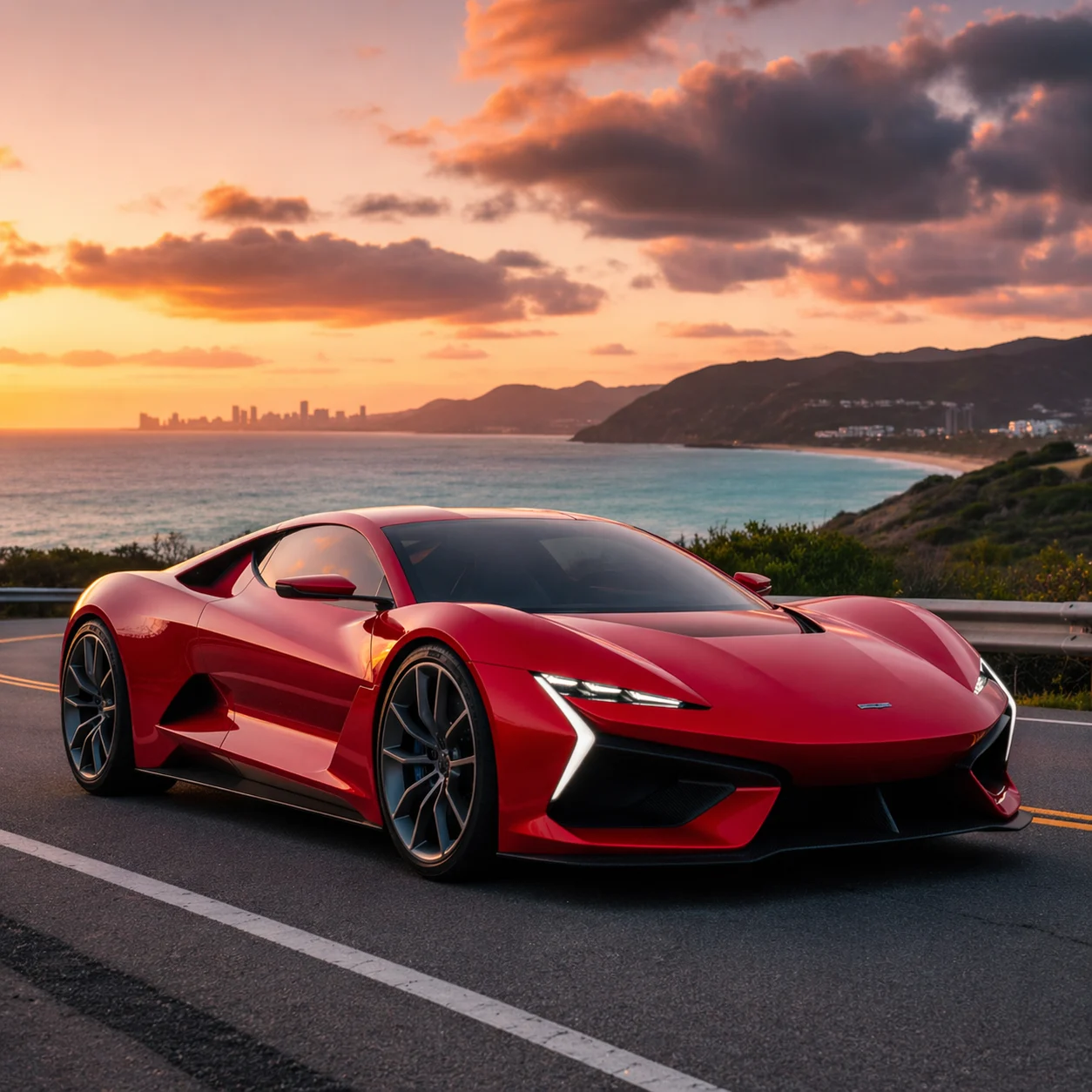
Product Color Change
change car color into red
Input
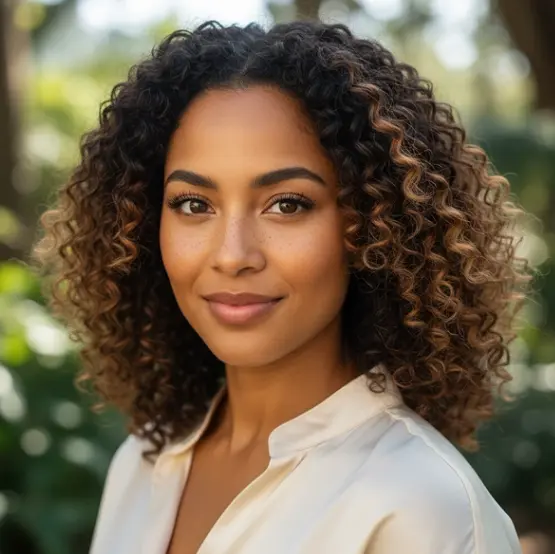
Output
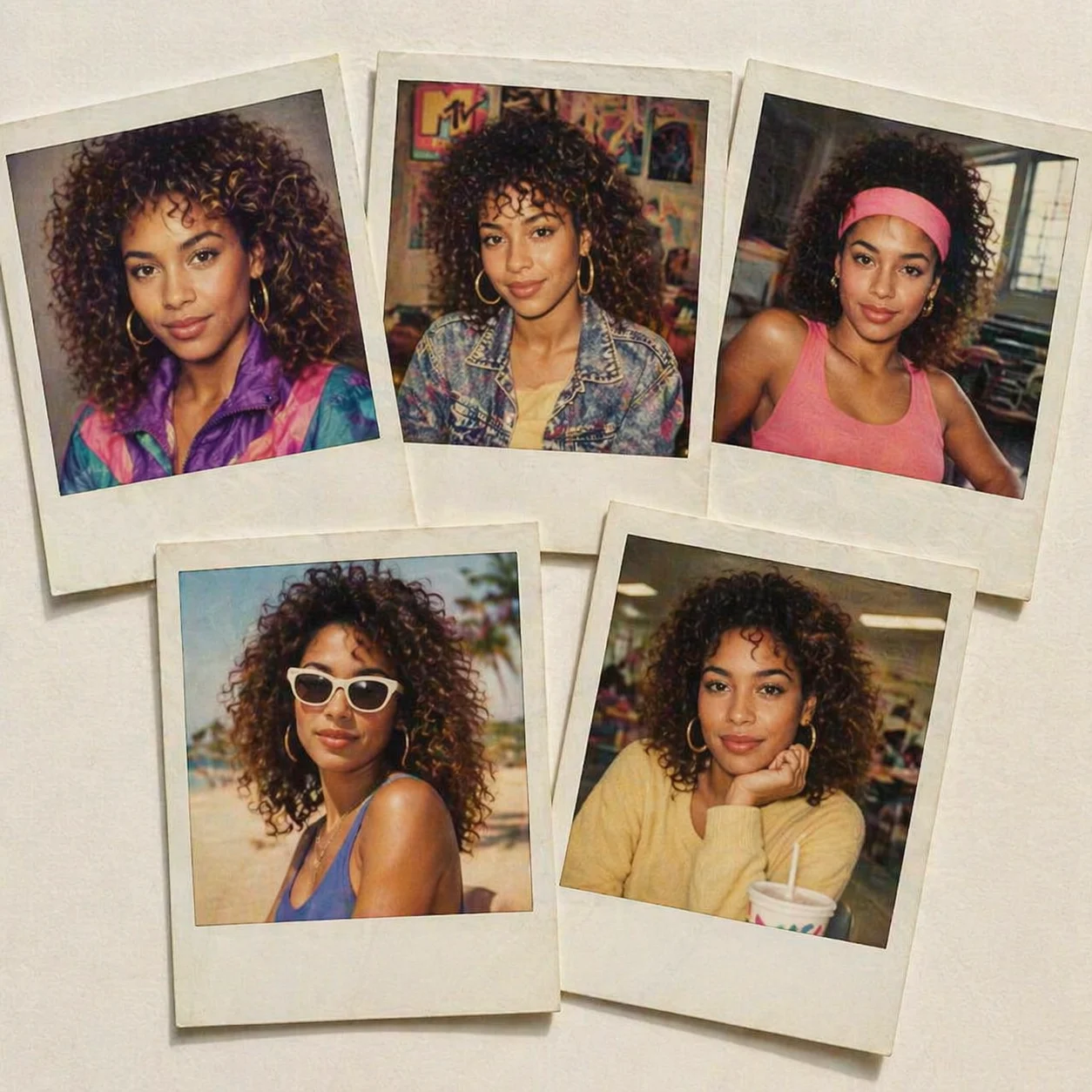
1980s Polaroid Headshots
Create 5 headshot polaroid prints, laid out on a clean table, all of which show me in various situations from the 1980's.
A Simple GPT Image Workflow Workflow
No exposed NSFW control, no advanced switches, and no duplicated status stack.
Two clear price points
GPT Image 2.5 Flare costs 30 credits and GPT Image 2 costs 20 credits for every supported workflow.
Workspace result tracking
The task is submitted once, then the existing webhook updates the workspace result.
Reference-friendly editing
Image-to-image supports multi-image inputs for product edits, identity references, and composed scenes.
Minimal provider surface
Only prompt and references are visible. Provider parameters stay backend-owned.
How It Works Works
One prompt flow for creating or editing images.
Choose a mode
Use text mode for new images, or image mode when references must guide the result.
Write the prompt
Describe the composition, style, subject, and exact edit you want.
Open workspace
The result appears in your workspace after KIE.AI sends the callback.
GPT Image Questions Questions
Practical limits for this page.
Ready to Try GPT Image 2.5 Flare?
Start with a sample prompt or upload your own references in the generator.